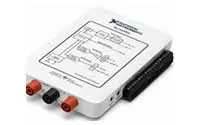
The NI my-DAQ Student Data Acquisition Device combines a set of plug-and-play computer-based lab instruments with portability for hands-on student learning.
My-DAQ introduces students to engineering problem-solving with portable and programmable measurements designed for engaging, hands-on experimentation in or outside the lab.
Read More
Multisim is industry standard SPICE simulation and designing electronic circuit’s software for analog, digital, and power electronics in education and research. Multisim integrates industry standard SPICE simulation with an interactive schematic environment to instantly visualize and analyze electronic circuit behavior.
Read More
MATLAB (matrix laboratory) is a fourth-generation high-level programming language and interactive environment for numerical computation, visualization and programming. MATLAB is developed by MathWorks
Read More
Laboratory Virtual Instrument Engineering Workbench (LabVIEW) is a system-design platform and development environment for a visual programming language from National Instruments. LabVIEW is a programming environment in which you create programs using a graphical notation (connecting functional nodes via wires through which data flows).
Read More
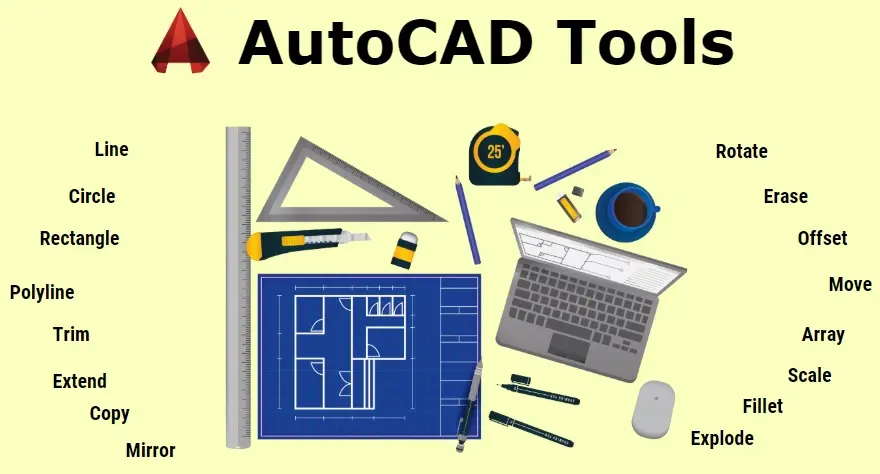
CAD stands for Computer-Aided Drafting and AutoCAD is the most popular brand of software utilized for CAD. Most people who have heard of AutoCAD usually think about drafters or architects drawing up blueprints for buildings on the computer. However, it has infinitely more uses than just drawing up blueprints. AutoCAD can be used to design anything and everything in detail and to scale.
Read More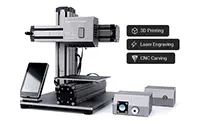
3D printing is the modern manufacturing technique which reduces the waste to almost zero. The credit goes to additive manufacturing or 3D Printing. PLA or ABS filament is extruded in the desired temperature range and the product is manufactured by adding one layer over another.
For any details contact: fablab@dypiu.ac.in
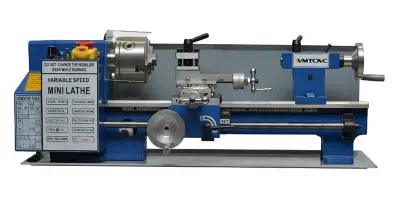
The miniature Lathe is also available to the students which gives the basic traditional idea of manufacturing or the subtractive manufacturing.
For any details contact: fablab@dypiu.ac.in